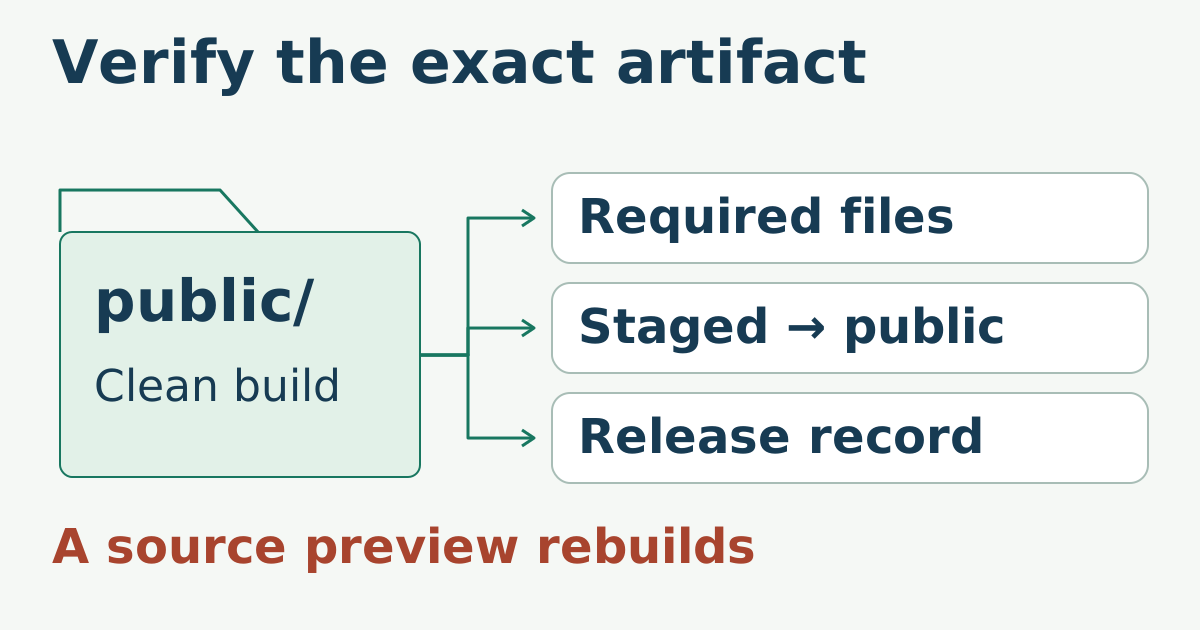
Copying new files directly over a live static directory creates a period where visitors can receive HTML from one release and assets from another. A safer pattern stages one complete tree beside the live tree, verifies it, then changes directory names.
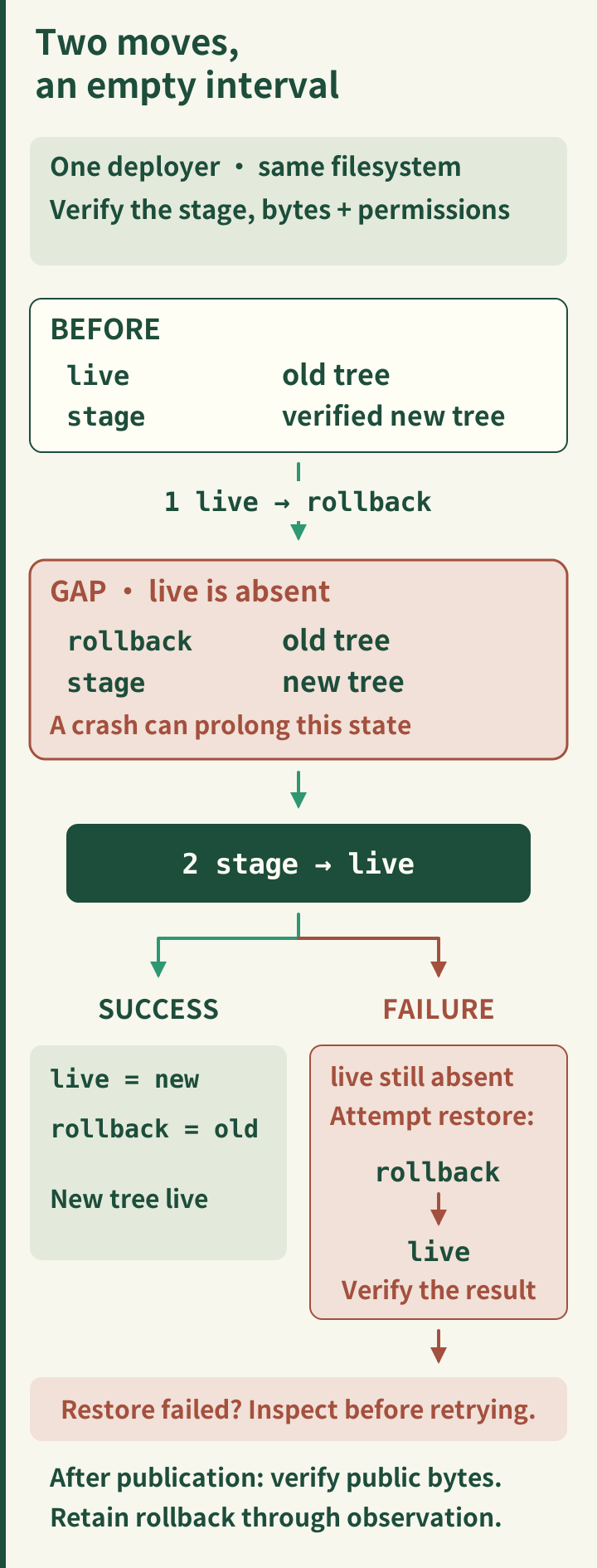
Keep all release directories on one filesystem
Keep the live tree, staged tree, and rollback tree on the same filesystem. These fragments assume one Bash session, GNU Coreutils, and a single deployer with exclusive access to these names. Stop on a failed command or either side of the copy pipeline:
set -euo pipefail
df -P /srv/www
Create a uniquely named stage directory under that parent. Do not reuse an unresolved variable or broad wildcard as a deletion target.
stage=$(mktemp -d /srv/www/site.new.XXXXXX)
Populate and verify the stage
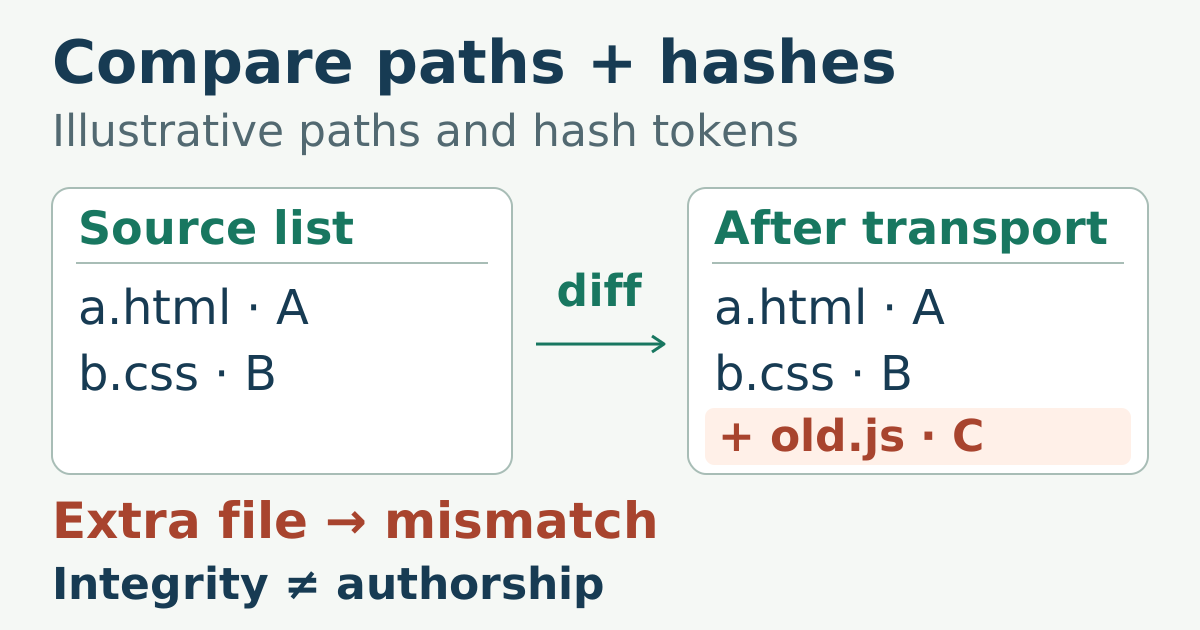
Copy the generated artifact into the empty directory, then check representative files. The final command displays a count; compare it with the verified artifact’s expected count or manifest rather than treating any number as a pass:
tar -C public -cf - . | tar -C "$stage" -xf -

test -s "$stage/index.html"
test -s "$stage/404.html"
find "$stage" -type f | wc -l
Run link and checksum checks against the staged path when the tooling supports a directory argument. Also verify that the serving user can traverse the directories and read the files: mktemp -d starts with restrictive permissions, and the extracted artifact must supply the intended modes. A stage that has not passed verification must never acquire the live name.
Switch names with an explicit rollback path
Resolve every path before the first move:
live=/srv/www/site
stamp=$(date -u +%Y%m%dT%H%M%SZ)
rollback=/srv/www/site.old-$stamp

test -d "$live" && test ! -L "$live" || exit 1
test -d "$stage" && test ! -L "$stage" || exit 1
test ! -e "$rollback" && test ! -L "$rollback" || exit 1
df -P "$live" "$stage"
live_device=$(stat -c %d -- "$live") || exit 1
stage_device=$(stat -c %d -- "$stage") || exit 1
test "$live_device" = "$stage_device" || exit 1

mv -T -- "$live" "$rollback" || exit 1
if mv -T -- "$stage" "$live"; then
  test -s "$live/index.html"
else
  mv -T -- "$rollback" "$live" || {
    printf 'Restore failed; inspect %s and %s before retrying.\n' "$rollback" "$live" >&2
    exit 1
  }
  exit 1
fi
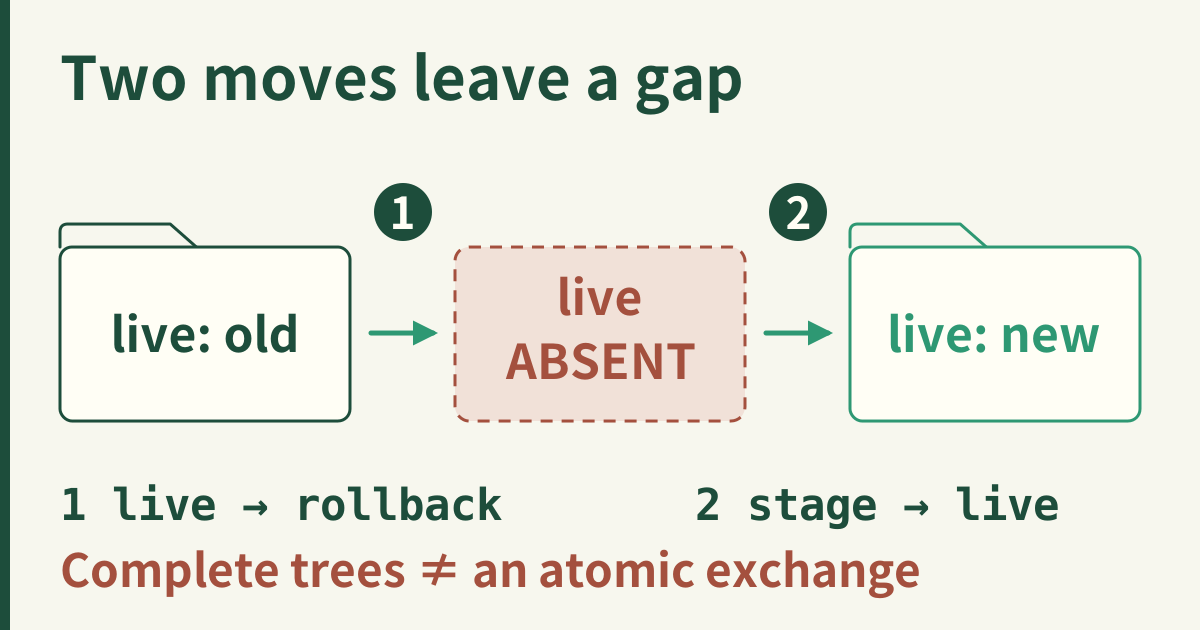
This is a two-step switch, not one atomic replacement: the live path is absent between moves, and a crash can leave it absent until recovery. GNU mv -T prevents an existing directory from silently becoming a container for the moved tree; it does not serialize competing deployers. Do not proceed if the filesystem check differs. Platform-specific atomic exchange or symlink replacement can remove the missing-name interval, but must be tested with the actual server.
Verify the public edge
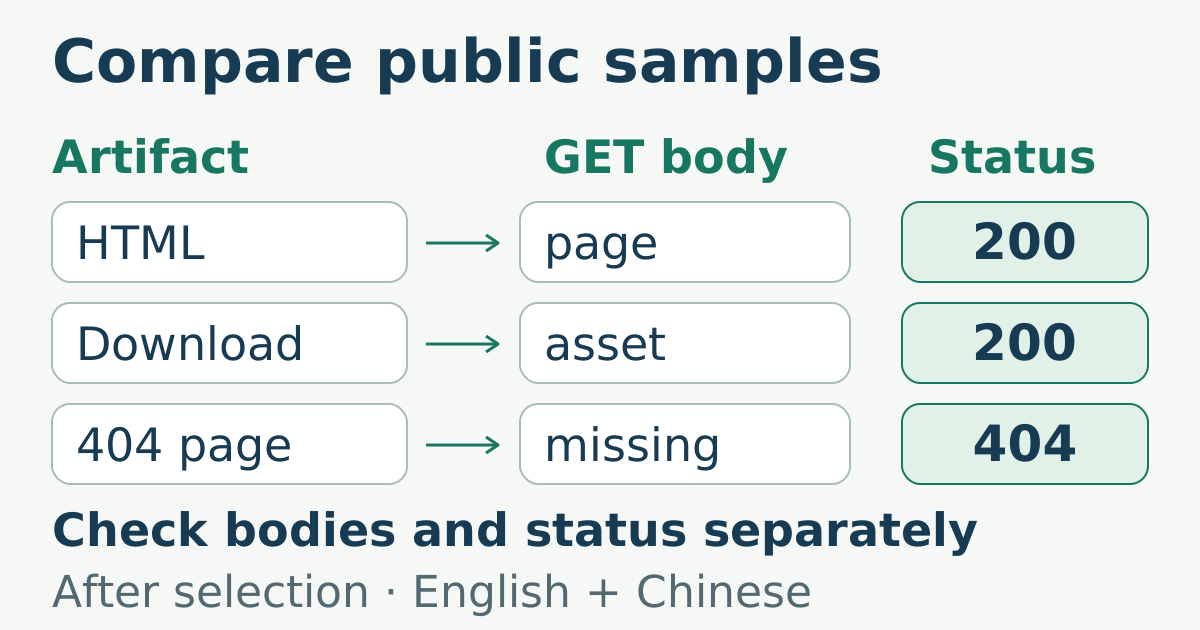
After the switch, request the homepage, one deep route, one fingerprinted asset, and a missing path. Compare public bytes with the staged artifact. Keep the rollback directory until that check and the observation window complete.
Even an atomic name switch does not make a browser’s HTML and asset requests one transaction. Keep older fingerprinted assets reachable for cached or in-flight HTML; merely retaining an unserved rollback directory does not do that. A filesystem rename also makes no promise of crash durability without the platform-specific persistence steps.
Sources
- POSIX
rename(), name replacement semantics, checked 2026-06-01. - Linux
rename(2), filesystem and replacement behavior, checked 2026-10-15. - GNU tar manual, archive creation and extraction, checked 2026-06-01.
- GNU Coreutils: Target directory,
-Tand directory nesting hazards, checked 2026-10-15. - GNU Coreutils: stat, filesystem device-number checks, checked 2026-10-15.