cron 式语法并不是维护任务契约的全部。命令需要一个清晰的服务身份、一个有界的运行时间,以及能区分"未调度"与"运行但失败"的证据。一个 systemd 定时器与 oneshot 服务能把这些关注点分开。
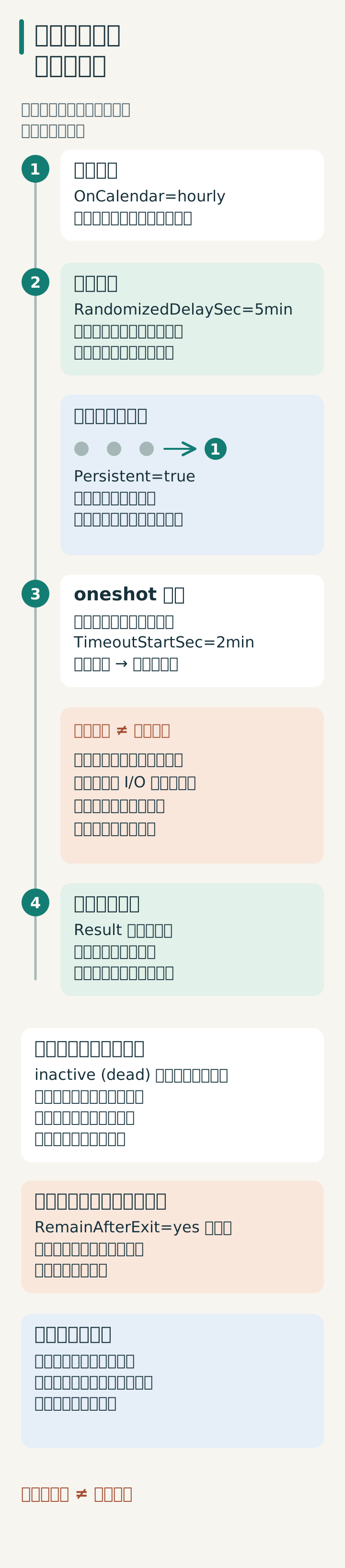
把工作定义成服务
使用显式用户与绝对命令路径:
# /etc/systemd/system/site-check.service
[Unit]
Description=Read-only public site check

[Service]
Type=oneshot
User=sitecheck
ExecStart=/usr/local/bin/check-public-site
TimeoutStartSec=2min
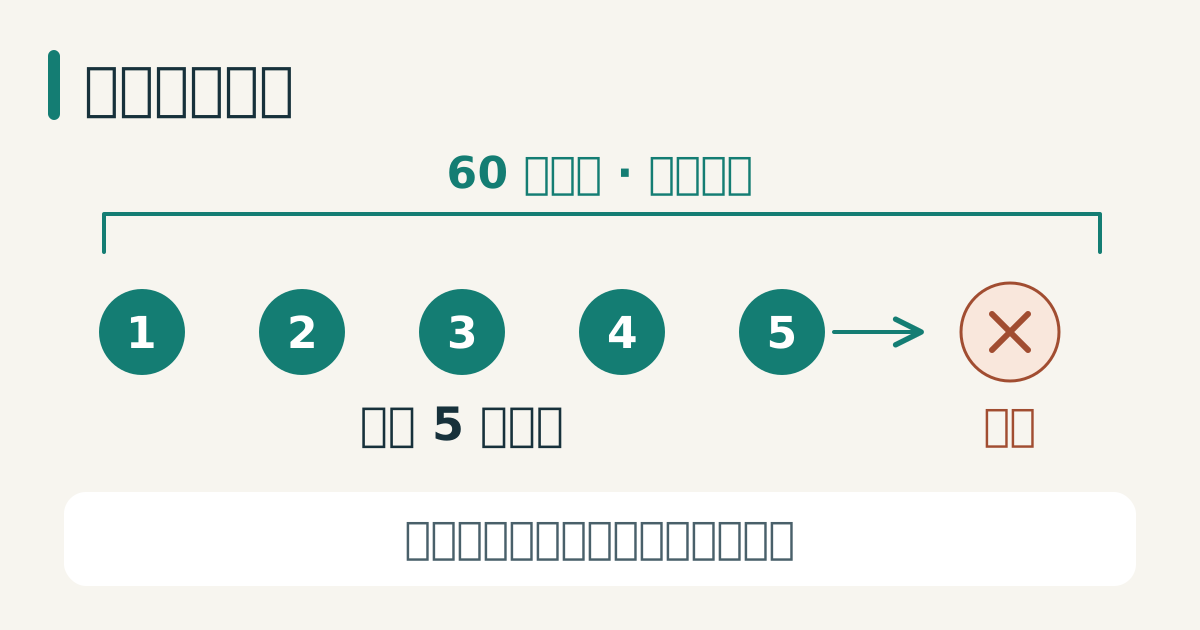
TimeoutStartSec 限制 oneshot 的激活过程,其中包括命令运行时间;oneshot 默认没有启动超时。超时处理之后还可能需要停止超时,且不能立即结束不可中断的内核 I/O,因此工具本身也需要有界的网络请求。当契约失败时,helper 应返回非零退出码,并且不得修改它所检查的服务。
调度该服务
# /etc/systemd/system/site-check.timer
[Unit]
Description=每小时运行公共站点检查

[Timer]
OnCalendar=hourly
Persistent=true
RandomizedDelaySec=5min
Unit=site-check.service

[Install]
WantedBy=timers.target
若至少错过一次日历事件,Persistent=true 会在定时器重新激活时触发一次补跑;它不会逐小时重放所有错过的运行。补跑仍受随机延迟限制。RandomizedDelaySec 把一个窗口内的例行工作分散开;当任务必须在精确时刻运行时它并不合适。
启用前先验证
创建两个单元文件后,先验证并重载管理器,再手动启动服务。这些是在目标测试主机上的管理操作,不是只读检查:
systemd-analyze verify /etc/systemd/system/site-check.service \
  /etc/systemd/system/site-check.timer
systemd-analyze calendar hourly
systemctl daemon-reload
systemctl start site-check.service
systemctl status site-check.service
journalctl -u site-check.service -n 50 --no-pager
systemctl show site-check.service -p Result -p ExecMainCode -p ExecMainStatus
只有当服务在预期的用户、环境、路径与网络访问下成功时才启用定时器:
systemctl enable --now site-check.timer
systemctl list-timers site-check.timer
对服务结果告警
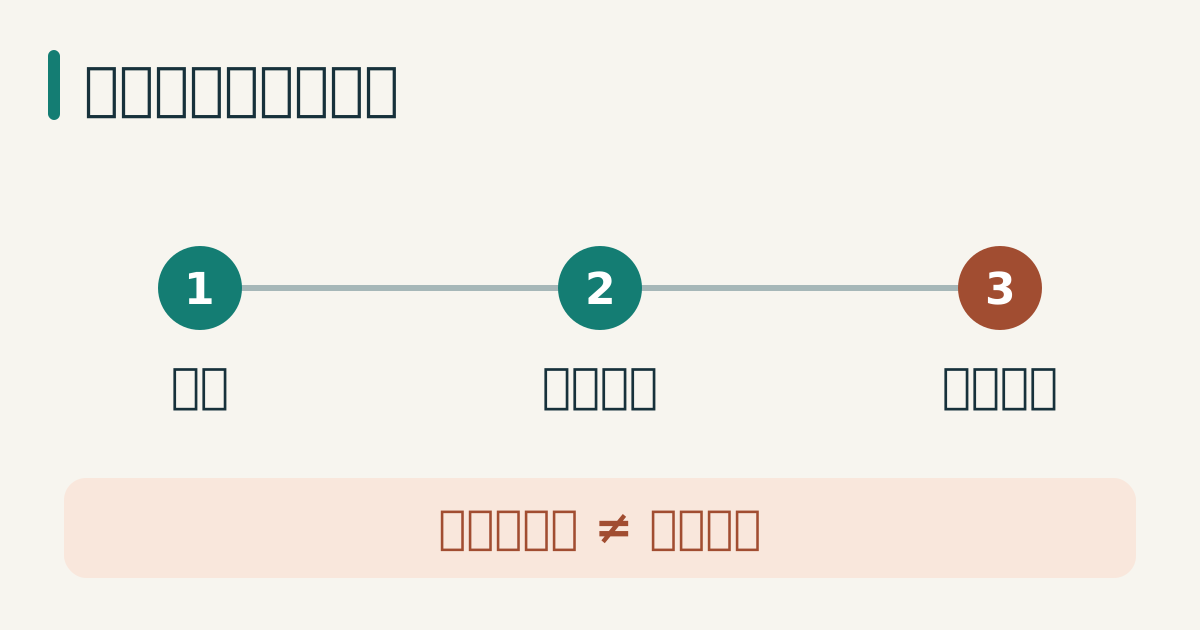
定时器触发并不等于成功。要监控 oneshot 服务的退出状态或日志结果。保持 stdout 简洁,调试需要的详细制品写入一个有界的路径。
成功的 oneshot 通常回到 inactive (dead);这本身不是失败,systemctl status 对非活动服务可能返回非零。应将 Result、退出状态与新的日志时间戳对应,避免把旧运行的成功误认成本次结果。不要为了显示绿色而添加 RemainAfterExit=yes:服务仍处于活动状态时,重复定时器不会启动一个新实例。日历时间默认使用主机时区,而且常规定时器精度会在随机延迟之外增加调度余量。
来源
- systemd.timer(5),日历定时器、持久化与延迟行为,已核验 2026-08-04。
- systemd.time(7),日历表达式语法,已核验 2026-08-04。
- systemd.service,oneshot 服务语义,已核验 2026-08-04。
- systemd.service upstream manual (v257),Type=exec/oneshot、就绪、激活超时与重启语义,已核验 2026-10-15。
- systemd.timer upstream manual (v257),持久化会合并错过的运行;活动单元、随机延迟与精度,已核验 2026-10-15。